Reviews
How to get more Google reviews without breaking Google's rules
By Ramis Khan5 min read
Reviews are one of the first things people see when they find you on Google, and one of the main reasons they pick one business over another. The good news: most happy customers will leave a review if you make it easy and ask at the right time. Here's how to do it, and the mistakes that can get reviews removed.
Ask every customer, the same way
Google's rules say you can't pick and choose who you ask. Sending review requests only to customers you think are happy (sometimes called review gating) isn't allowed. Neither is discouraging people from leaving a bad review.
The simplest way to stay safe is also the most effective: ask everyone, with the same friendly message, every time. The more customers you ask, the more reviews you get, and a few honest four-star reviews among the fives make your profile look more real, not less.
Ask at the right moment
The best time is right after the job is done or the visit ends, while the experience is fresh. A text a couple of hours later works well for most businesses: late enough that they're home, early enough that they still remember the details.
Wait a week and it's easy for even your happiest customers to forget.
Make it one tap
Every step you add loses people. Don't tell customers to "search for us on Google and find the reviews section". Send them a link that opens your review form directly.
You can get that link from your Google Business Profile: look for the option to ask for reviews, which gives you a short link and a QR code. Then put it everywhere a customer might see it:
- In a text or email after every job or visit
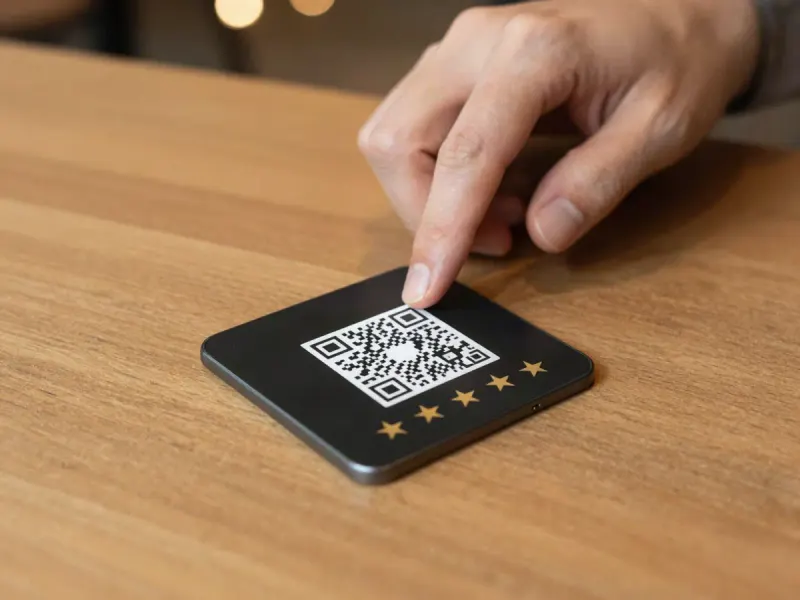
- On a QR code or tap-to-review card at your counter or front desk
- On your receipts and invoices
- On your website, near your contact details
Reply to every review
Your replies are public, and people read them. Thank happy customers by name and mention what they liked. It takes a minute and shows you care.
For a bad review, stay calm and polite, apologise for the experience, and offer to fix it offline with a phone number or email. Future customers will read your reply, so let it show how you treat people.
What Google doesn't allow
These can get reviews taken down, or put your profile at risk:
- Offering discounts, gifts or money in exchange for reviews
- Asking only happy customers, or screening people before you send the review link
- Buying reviews, or posting reviews for yourself, your family or your staff
- Pressuring customers to change or remove an honest review
Putting it on autopilot
Doing all of this by hand is easy to forget when you're busy. That's why we built the Review Engine: after every job, every customer automatically gets the same friendly text and email with your public Google review link. If they'd rather tell you something privately, that option sits next to the review link, never instead of it, and you get an alert right away so you can make it right.
Ramis Khan founded Boost Digital to build websites, local SEO and review systems for businesses across the Greater Toronto Area.